SpeedBox 1.5 B.Tuning Bluetooth Tuning Chip for Bosch Performance Line SX Gen4 (BDU3144/BDU3145)
SB15BT-B
SpeedBox 1.5 B.Tuning Bluetooth Tuning Chip for Bosch Performance Line …
SpeedBox 1.5 B.Tuning Bluetooth Tuning Chip for Bosch Performance Line SX Gen4 (BDU3144/BDU3145)
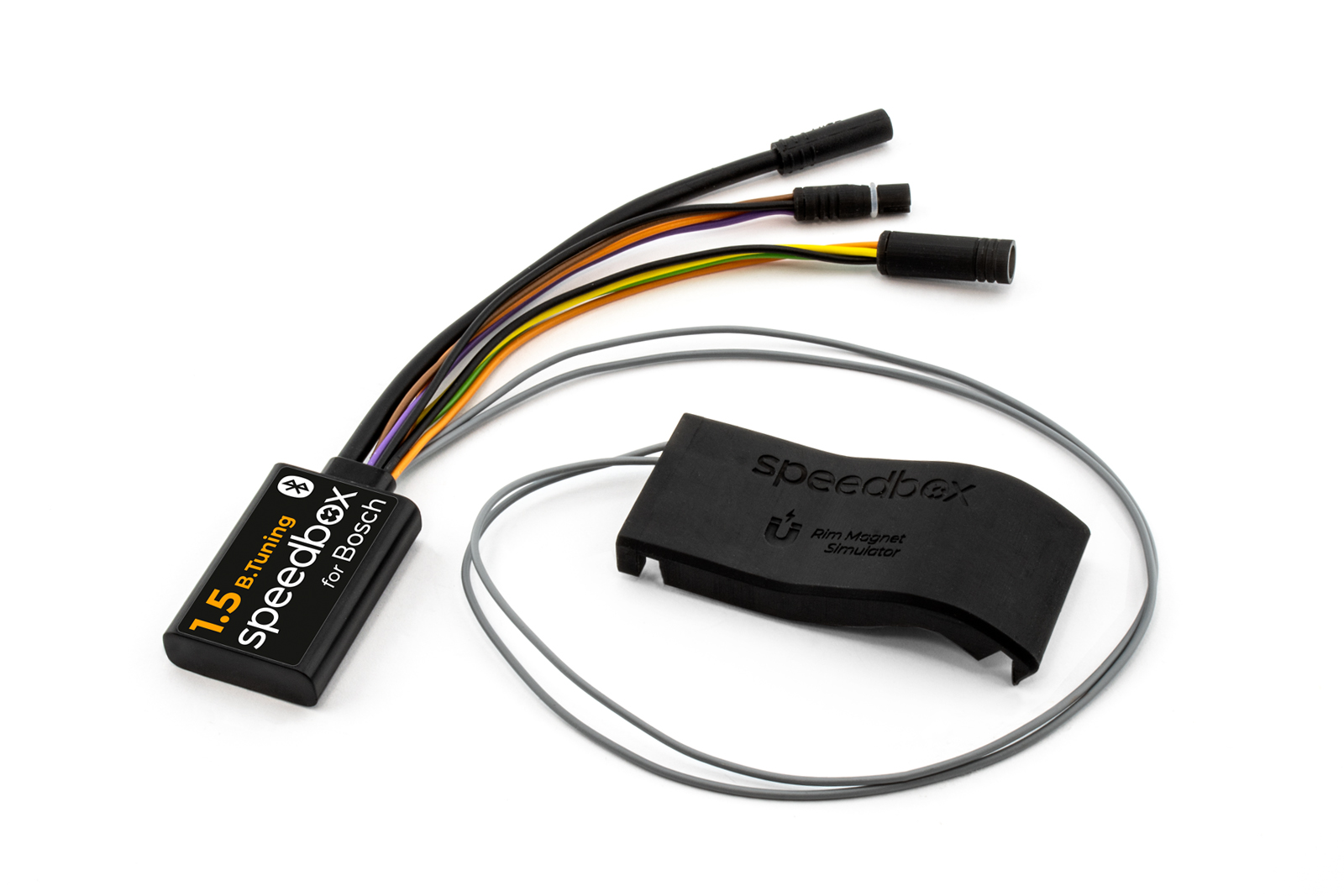
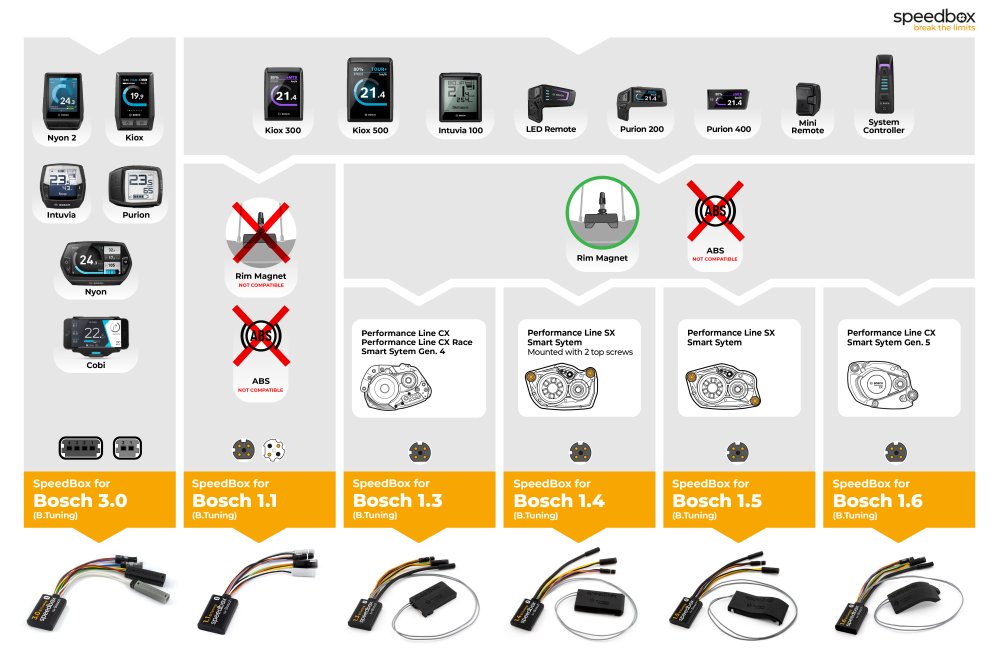
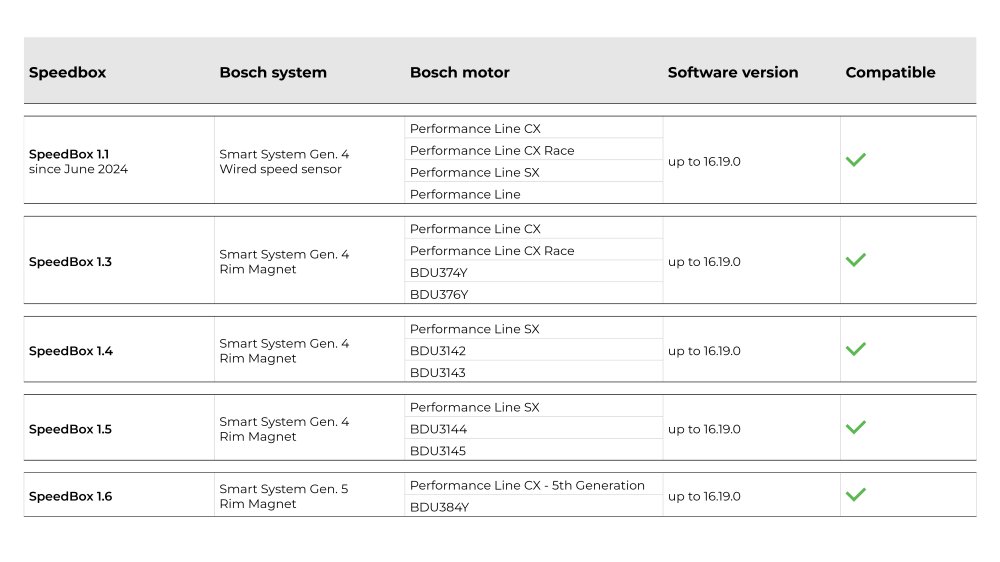
SpeedBox 1.5 B.Tuning is a tuning chip for Bosch Performance Line SX 4th-generation motors (BDU3144, BDU3145) on Smart System e-bikes with the valve-mounted Bosch Rim Magnet. It removes the factory 25 km/h speed limiter; the limit can be set up to 99 km/h, but the manufacturer recommends not exceeding 35 km/h to avoid error codes.
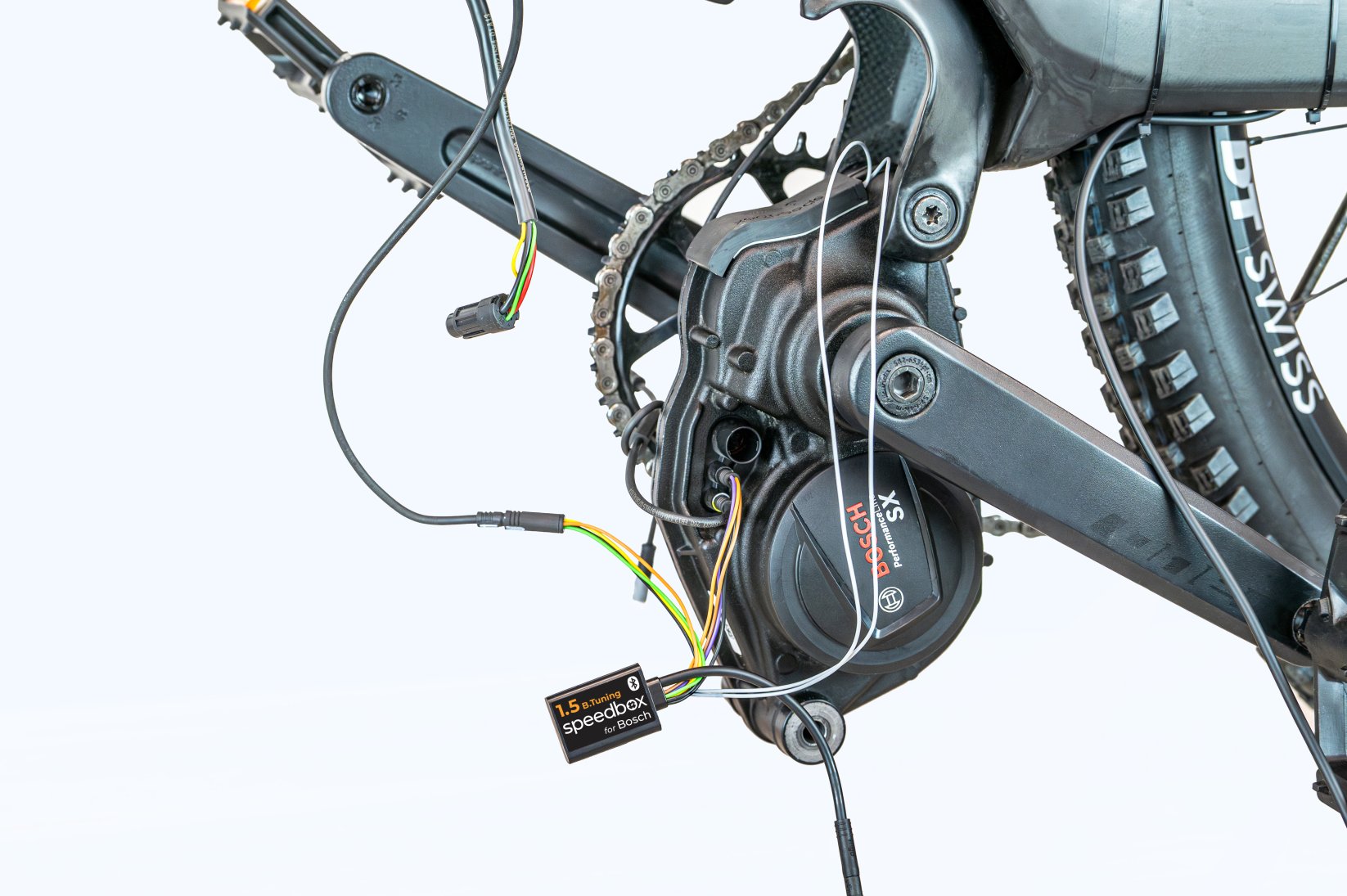
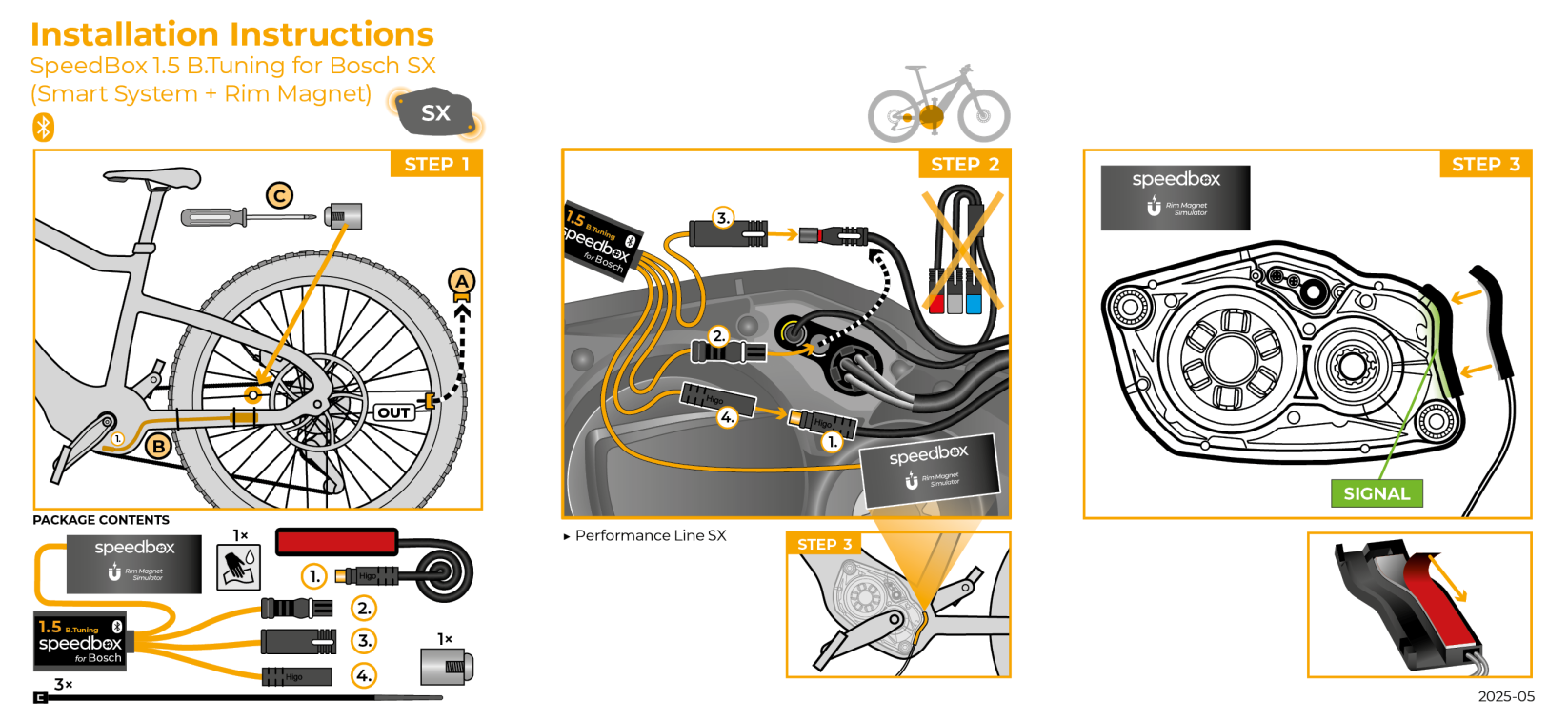
Installation is simplified: there is no separate magnet simulator to position, and the chip connects with original connectors.
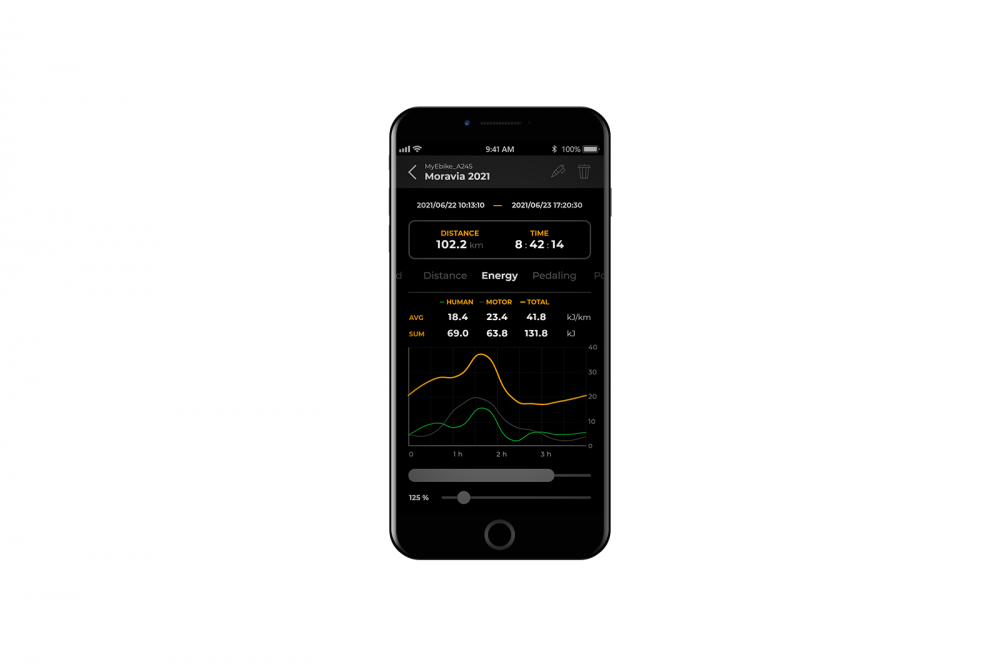
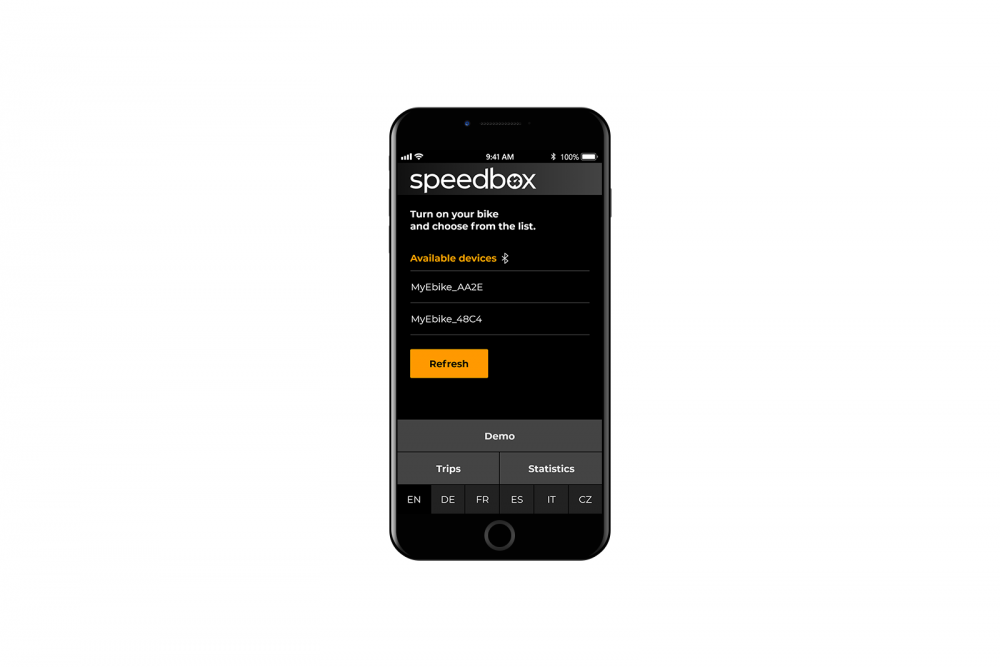
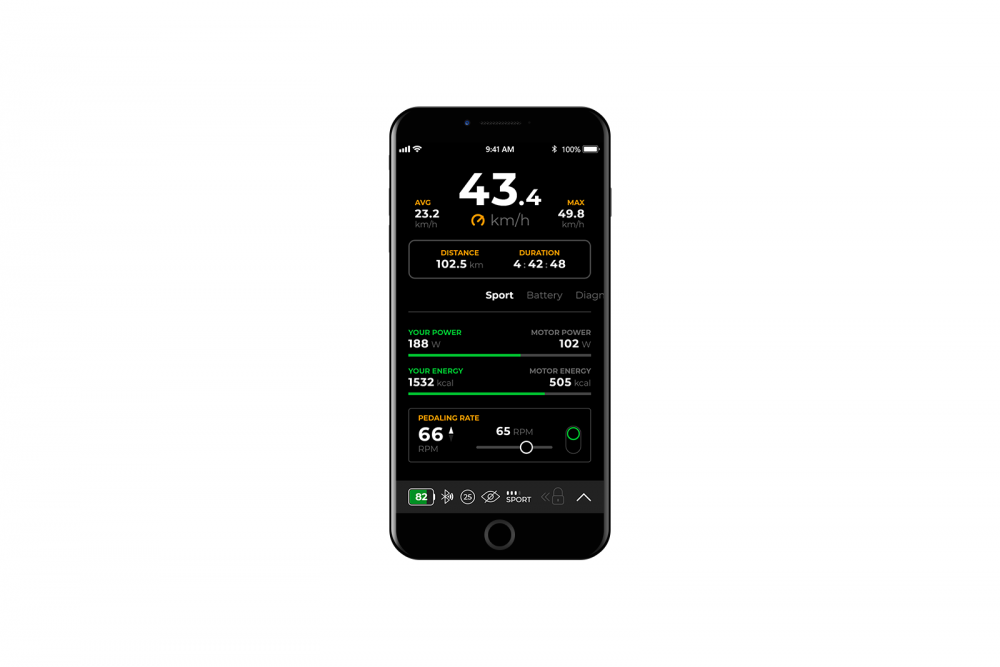
It connects over Bluetooth to the SpeedBox Connect app, which shows actual speed, trip statistics and motor diagnostics, lets you log and compare rides and adjust tuning settings, and offers invisible mode and PIN/service-password protection. The app is on Google Play and the App Store, and its demo mode can be used to check compatibility before buying.
Key Features
- Maximum speed: unlimited (35 km/h maximum recommended)
- Tuning status shown on display: 3.5 km/h = on, 2.5 km/h = off
- Correct travelled distance shown after the post-ride countdown finishes
- Speed limit: adjustable up to 99 km/h
- Real speed on bike display: no (shown in the SpeedBox Connect app)
- Activation: SpeedBox Connect app, WALK function or - + - + button sequence (only when stationary)
- Simplified installation: no magnet simulator to position; uses original connectors
- SpeedBox Connect app: supported (Bluetooth 4.0 or higher required on the phone)
Compatibility
- Bosch Performance Line SX 4th-generation motors: BDU3144, BDU3145
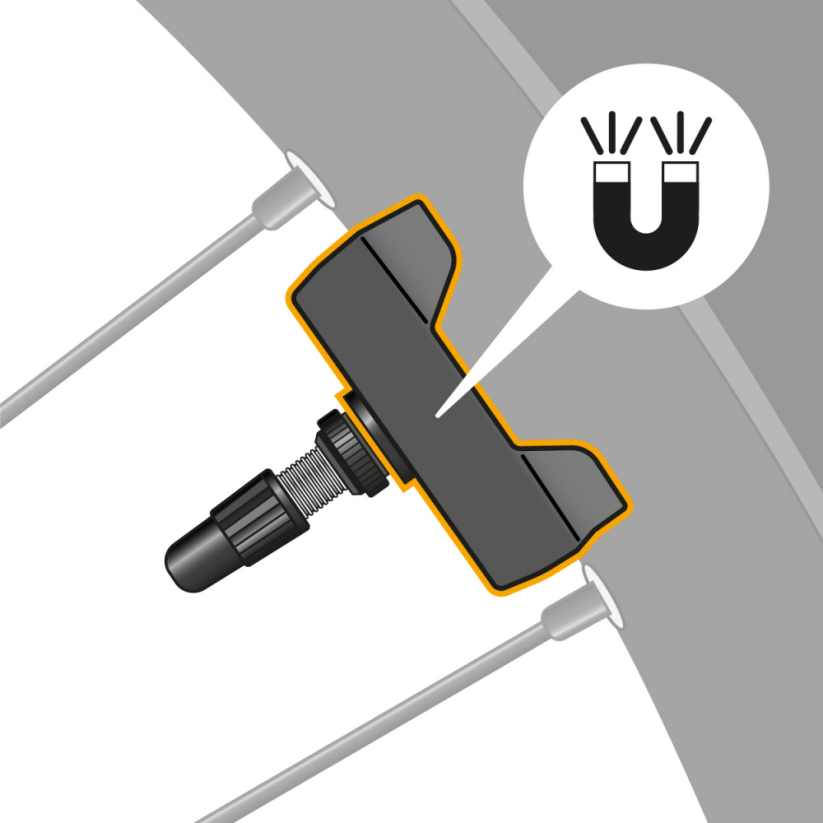
- E-bikes with the Bosch Rim Magnet (magnet attached to the valve)
- Current Bosch software versions
- SpeedBox Connect app
- Not compatible with standard spoke-mounted magnets
- Not compatible with Bosch ABS system
How to Use
- Before installing on a new bike, ride at least 10 km.
- Connect the male and female connectors in the direction of the lock; do not twist or rotate them while connecting.
- With the bike stationary, activate tuning by holding the '-' button to engage WALK assist (or use the - + - + sequence if WALK is not enabled, or the SpeedBox Connect app). The display shows 3.5 km/h when tuning is on.
- Repeat to deactivate; the display shows 2.5 km/h and the limit returns to 25 km/h.
- Set a custom speed limit (up to 99 km/h) by switching modes TURBO, eMTB, TOUR+, ECO, TOUR+, eMTB, TURBO. The display shows the selected limit (2.5 km/h = 25 km/h, 3.0 km/h = 30 km/h, 3.5 km/h = 35 km/h), which is saved after 15 seconds of inactivity.
- After each ride, leave the bike switched on until the display shows 0.0 km/h and do not remove the display before this countdown finishes; it can take several minutes after a long ride. For short stops keep one foot on the pedal to prevent the countdown starting.
Good to Know
- Check your motor model, magnet type and motor space before ordering.
- Do not activate or deactivate tuning while riding.
- Disable automatic firmware updates in the eBike Flow app. Firmware updates can make the chip inoperable.
- Download the SpeedBox Connect app before purchase to test compatibility.
- Non-Bluetooth version: SB15-B.
- For BDU3142/BDU3143 motors, see SpeedBox 1.4 (SB14-B / SB14BT-B).
Legal and Safety Notice
This tuning chip changes the e-bike's factory speed limit and assistance settings. A modified e-bike may not be legal to ride on public roads, cycle paths or other public areas; SpeedBox products are intended for use on private property, at the rider's own risk. Installation may void the e-bike manufacturer's warranty. Installation by a qualified technician is recommended. Always wear appropriate protective gear.